![Bridebook-logo-blue (1)-1.png]](https://support.bridebook.com/hs-fs/hubfs/Bridebook-logo-blue%20(1)-1.png?height=20&name=Bridebook-logo-blue%20(1)-1.png)
Finding the right wedding venue can feel overwhelming, especially when you have a clear idea in your head but do not know where to start. Bridebook’s AI Venue Search is designed to make venue searching easier, faster and more personal.
With AI Venue Search, you can describe the kind of venue you are looking for in your own words, and Bridebook will help suggest venues that match your preferences.
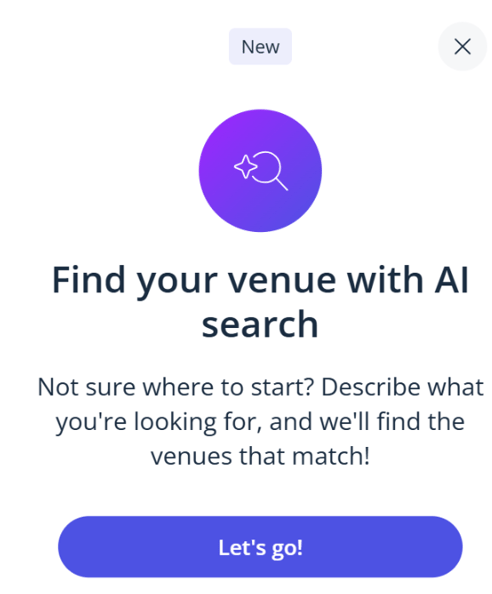
What is AI Venue Search?
AI Venue Search is a new way to search for wedding venues on Bridebook.
Instead of only using filters, you can type a prompt or question into the AI search tool. The tool will then use your request to help find venues that may suit your wedding style, location, guest numbers and preferences.
For example, you could search for things like:
“Show me romantic barn venues in the Cotswolds for around 100 guests”
“I’m looking for a relaxed pub-style wedding venue near West London”
“Find me a luxury countryside venue with accommodation for guests”
“Can you suggest venues in the UK that feel modern, stylish and intimate?”
The more detail you include, the more tailored your results are likely to be.
Where is AI Venue Search available?
AI Venue Search is currently available for UK venue searches.
You can use the tool in different languages, but the venue results currently focus on venues in the United Kingdom.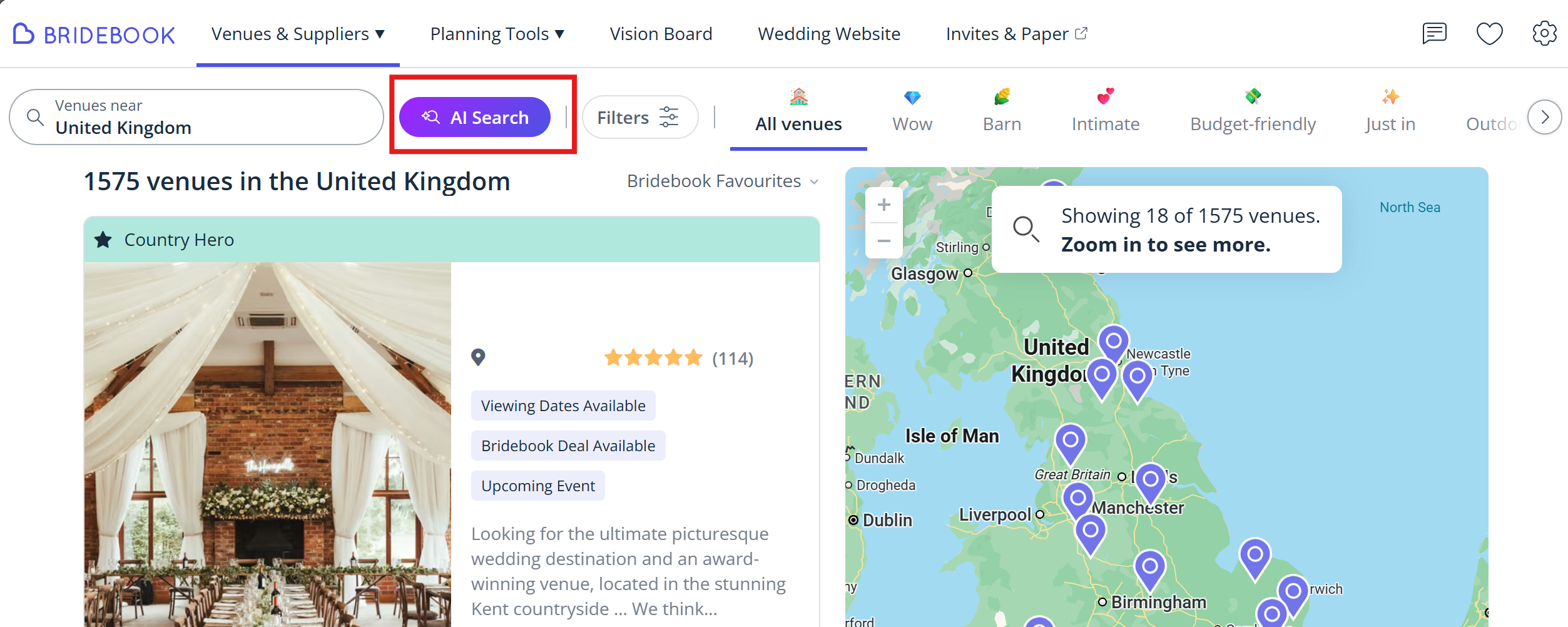
How to use AI Venue Search
- Log in to your Bridebook account.
- Go to Search.
- Open the AI Search tool.
- Type what you are looking for in your own words.
- Review the venue suggestions.
- Refine your search by adding more details if needed.
You can update your request at any time. For example, you might start with:
“Find me wedding venues in Manchester”
Then refine it with:
“Only show venues for 80 guests, with outdoor ceremony space and a relaxed modern feel.”
What can I ask AI Venue Search?
You can ask AI Venue Search to help with venue ideas based on things like:
- Location
- Venue style
- Guest numbers
- Budget preferences
- Accommodation
- Outdoor space
- Wedding theme or atmosphere
- Specific features, such as barns, manor houses, hotels, castles or pub-style venues
You can also ask it to narrow down or compare results, such as:
“Which of these would be best for a small summer wedding?”
“Show me the top 5 most relevant venues.”
“Can you find something similar but closer to London?”
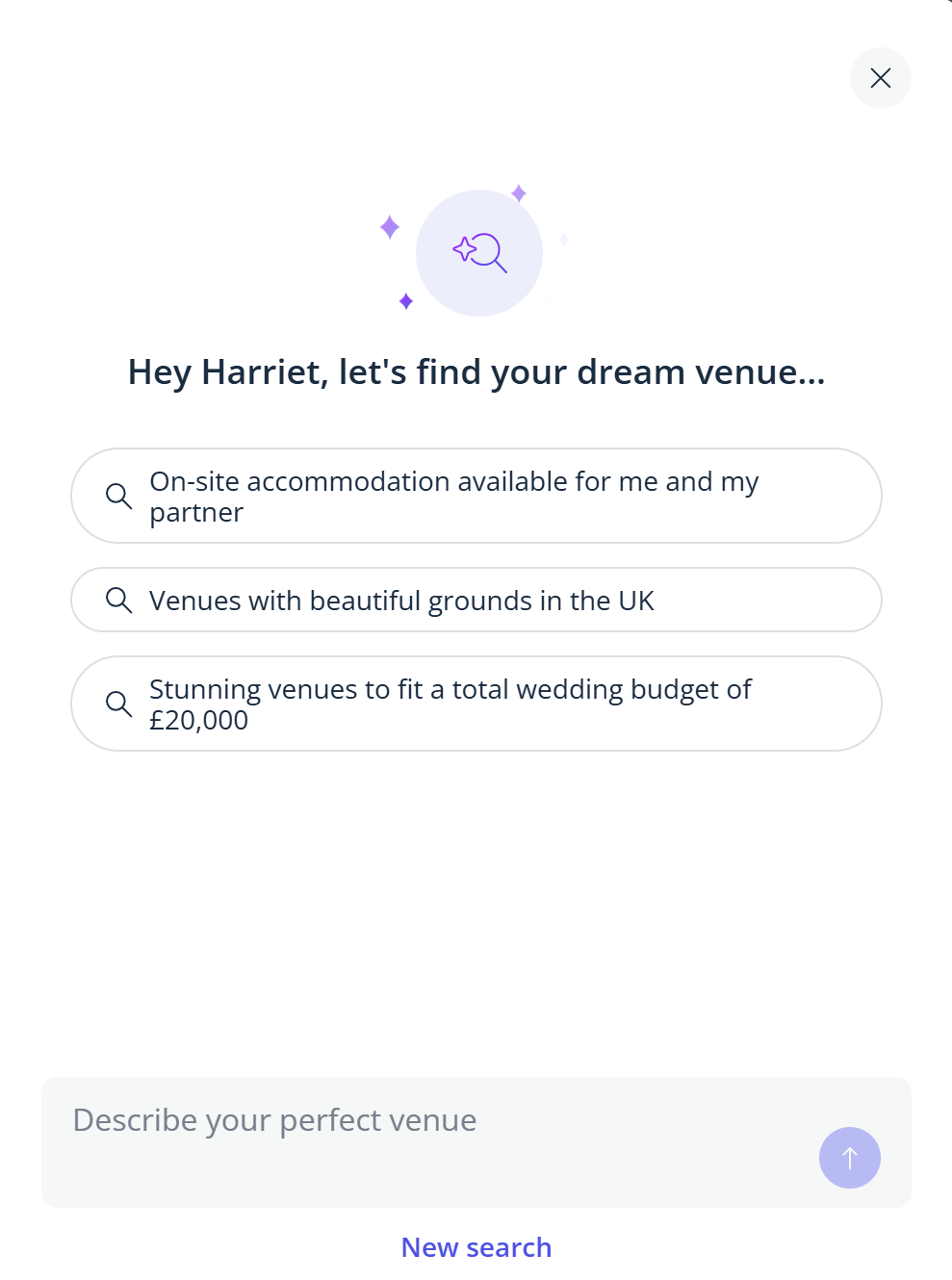
Tips for getting better results
For the best results, try to include as much useful detail as you can. You do not need to write perfectly — just describe what you are looking for naturally.
A helpful prompt might include:
- Where you want to get married
- Your approximate guest count
- The style or feel you want
- Any must-haves
- Any deal-breakers
For example:
“We’re looking for a relaxed countryside wedding venue in the UK for around 120 guests. We’d love outdoor space, accommodation nearby and a rustic but elegant feel.”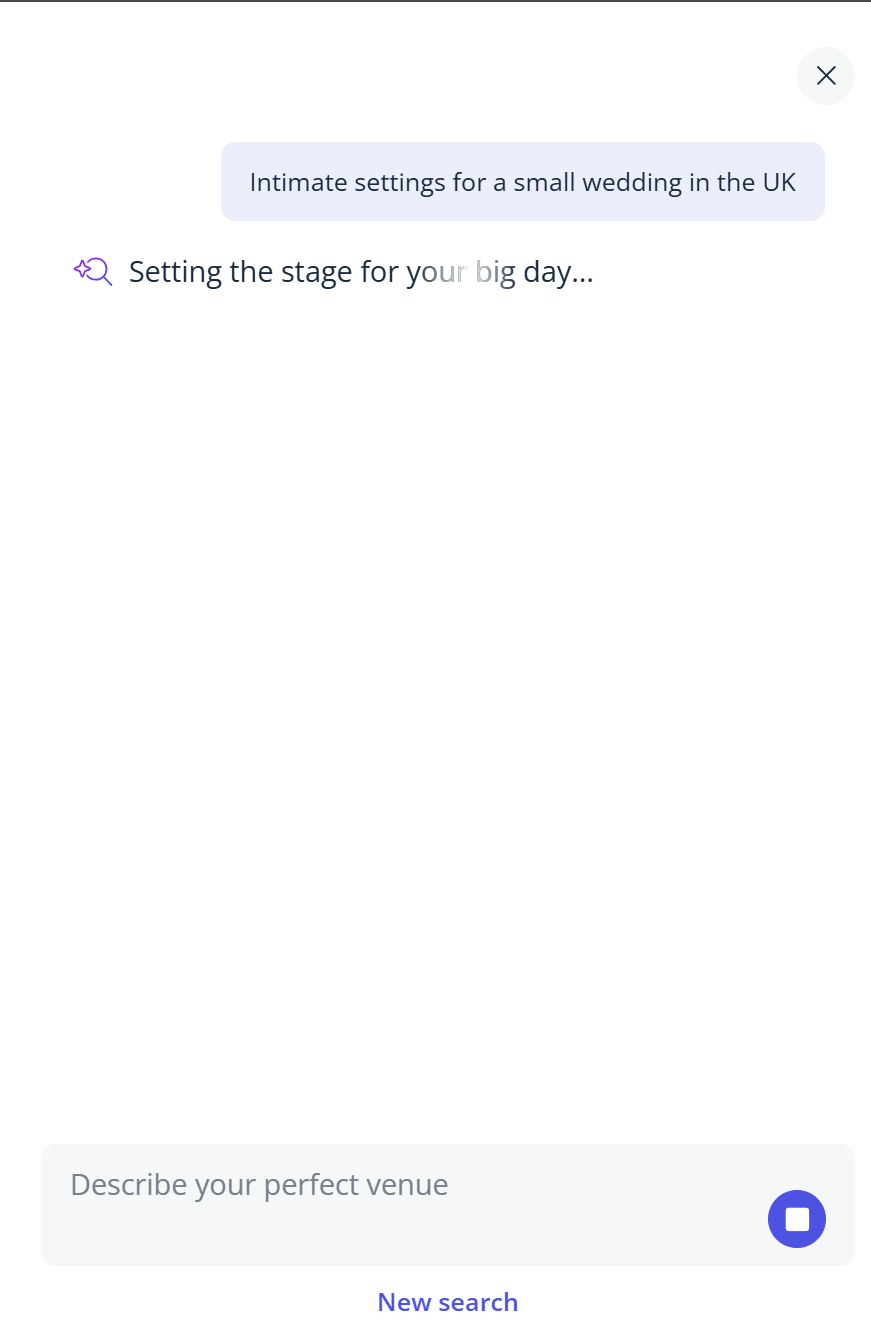
Can I still use normal venue search filters?
Yes. AI Venue Search is there to support your venue search, but you can still browse and search venues on Bridebook as normal.
You may find it useful to use AI Venue Search when you are not sure which filters to choose, or when you want to describe your dream venue in a more natural way.
Things to keep in mind:
AI Venue Search is designed to help suggest relevant venues based on the information you provide. Results may vary depending on the details included in your search.
We always recommend opening the venue profiles to check the full details, including availability, pricing, capacity and venue features.
Need help?
If you cannot see AI Venue Search, please make sure you are searching in the UK market and that you are using the latest version of Bridebook.
If you are still having trouble, contact our Customer Support team and we will be happy to help.